TRAINING HANGAR
Free Typing Games Online
Play free typing games designed to sharpen speed, accuracy, rhythm, and keyboard control. From speed racing and falling words to stickman combat, choose a game and start playing directly in your browser — 100% free, no download, no signup.

NITRO SPEED
Race five rivals by typing! A free car typing race with 12 tracks, 8 cars and nitro boosts. No login.

STICKMAN FIGHTER
A stickman fighting game you control by typing. Correct letters land punches and kicks; play a Quick Fight against three opponents or the five-level campaign with a final boss.

KEYBOARD JUMP
Hop across floating platforms by typing words accurately! Each letter moves your robot companion one step; complete the word to launch into an arc leap across 7 procedural worlds.

TYPE TOSS
Type the word on a duck or panda to toss a beach ball and splash it! Three modes, combo streaks and best scores. Great for kids.

LETTER DASH
Typing runner: type the letter on each obstacle to jump over crates, slide under birds and boost over tall stacks. Seven worlds add new keys, starting on the home row.

FLY MODE
Control an airplane with your typing speed! Type fast to climb altitude, type slow or make consecutive typos to drop. Avoid crashing into the ground.
WORD DESTROYER
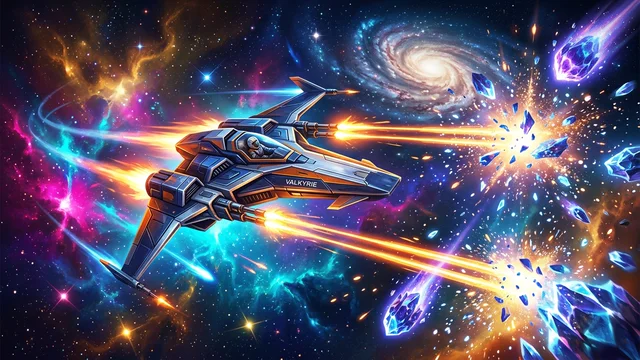
Words fall from the top of the screen — type each one before it reaches the bottom. Each wave gets faster, and every fifth wave brings gold boss words. Three lives.

TYPERUSH BLITZ
Words appear one at a time. Type as many as you can in 30 seconds; Enter skips a word for one point. Includes a football word list.
Want structured practice instead of games?
Choose a typing game for your next session
Try a paragraph race in Nitro Speed, word-by-word platforms in Keyboard Jump, or combat driven by accurate typing in Stickman Fighter. Each game page explains its controls, scoring and settings below the game.
The games practise different things. Keyboard Jump and Type Toss wait for you or move slowly, so they suit beginners. Letter Dash introduces the keyboard one row at a time. TypeRush and Word Destroyer reward quick recognition of single words, while Nitro Speed and Fly Mode use full passages.
Keep one practice goal for a few rounds, then review the errors that keep returning. The eight-game guide explains the different activities. For a repeatable speed check, use the one-minute test; an arcade score is a different measure.